
How It's Made
We create journeys that GO BEYOND reality.
Here’s an inside look at how we physically transport people to vast new worlds full of enchantment and invigorating play.
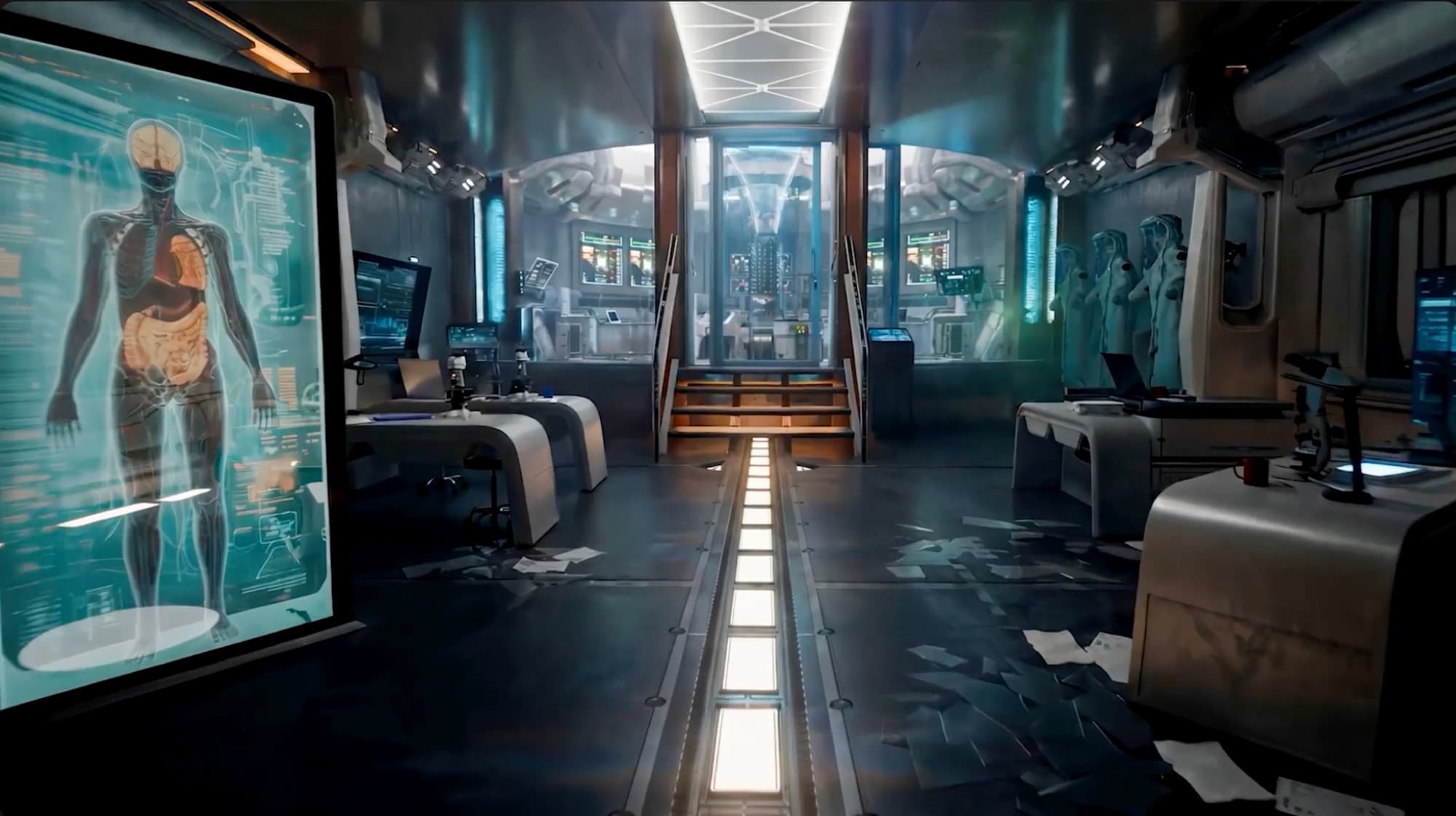
Concept render — Photoreal lab interior: a large holographic human-anatomy display at left, exam tables and microscopes, a lit central walkway, and suited figures at the rear.
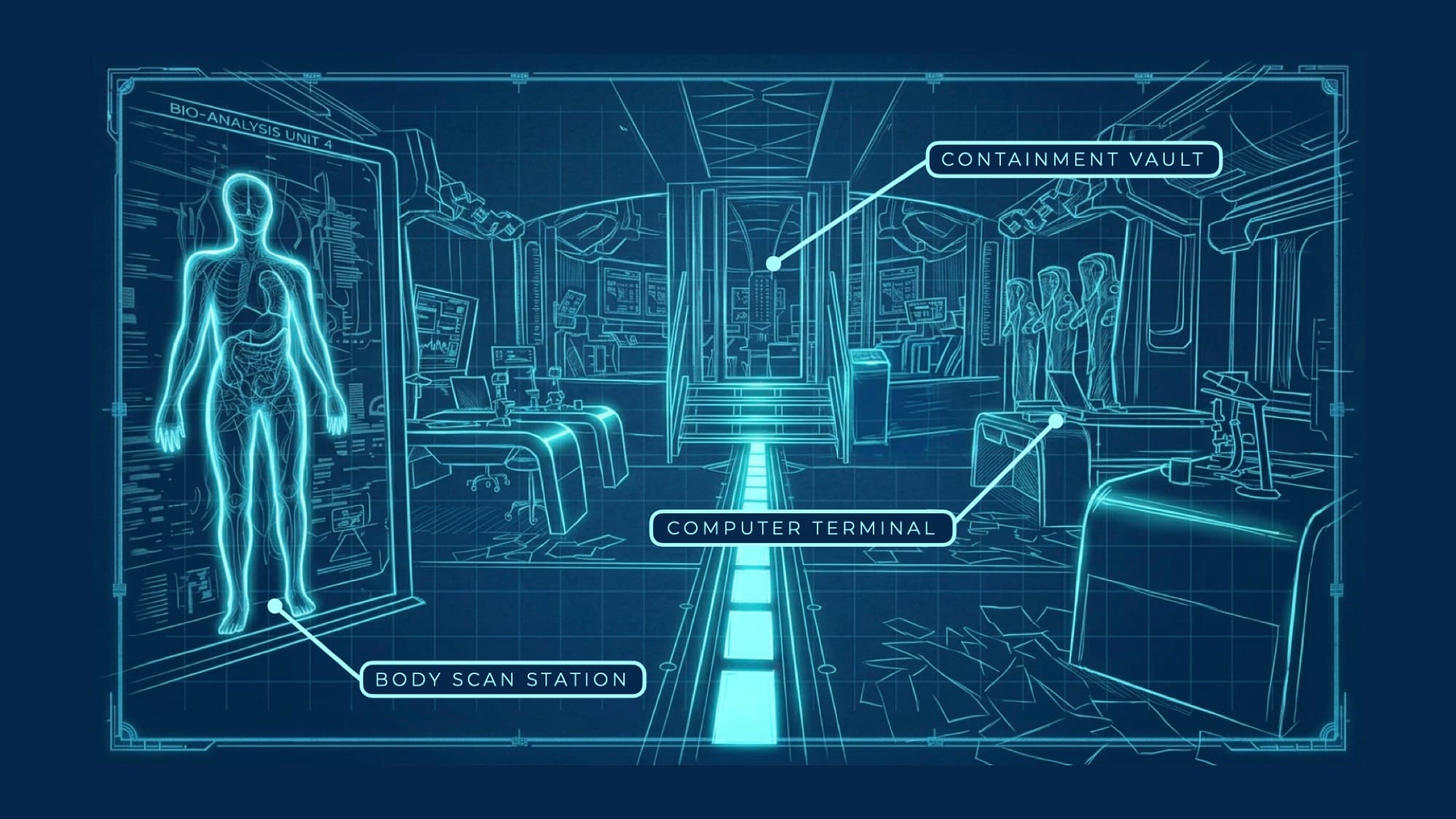
Annotated blueprint — Blueprint of the science lab: an anatomy scan panel labelled Bio-Analysis Unit 4 at left, a central containment chamber, and suited figures at right.
01Real World
Physical Storyscapes
Every physical environment inside the Beyondarium is designed with the same level of quality and artistry found in the world’s most celebrated themed destinations. These are fully realized “storyscapes” where every inch is built for exploration and interaction.
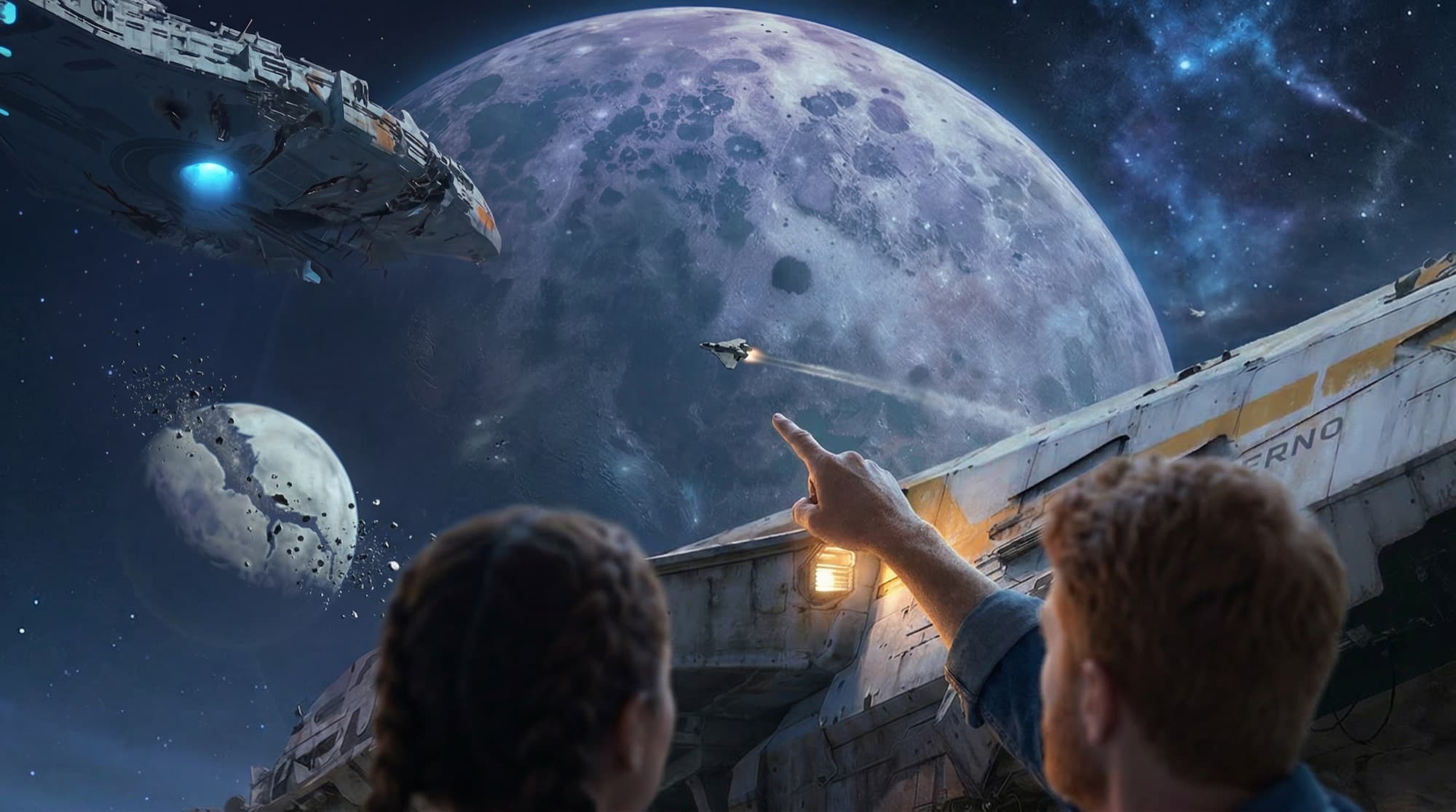
Concept render — Two guests on the hull of the ship Inferno look up at a vast cratered moon, a capital ship, and a fighter streaking across a starfield.
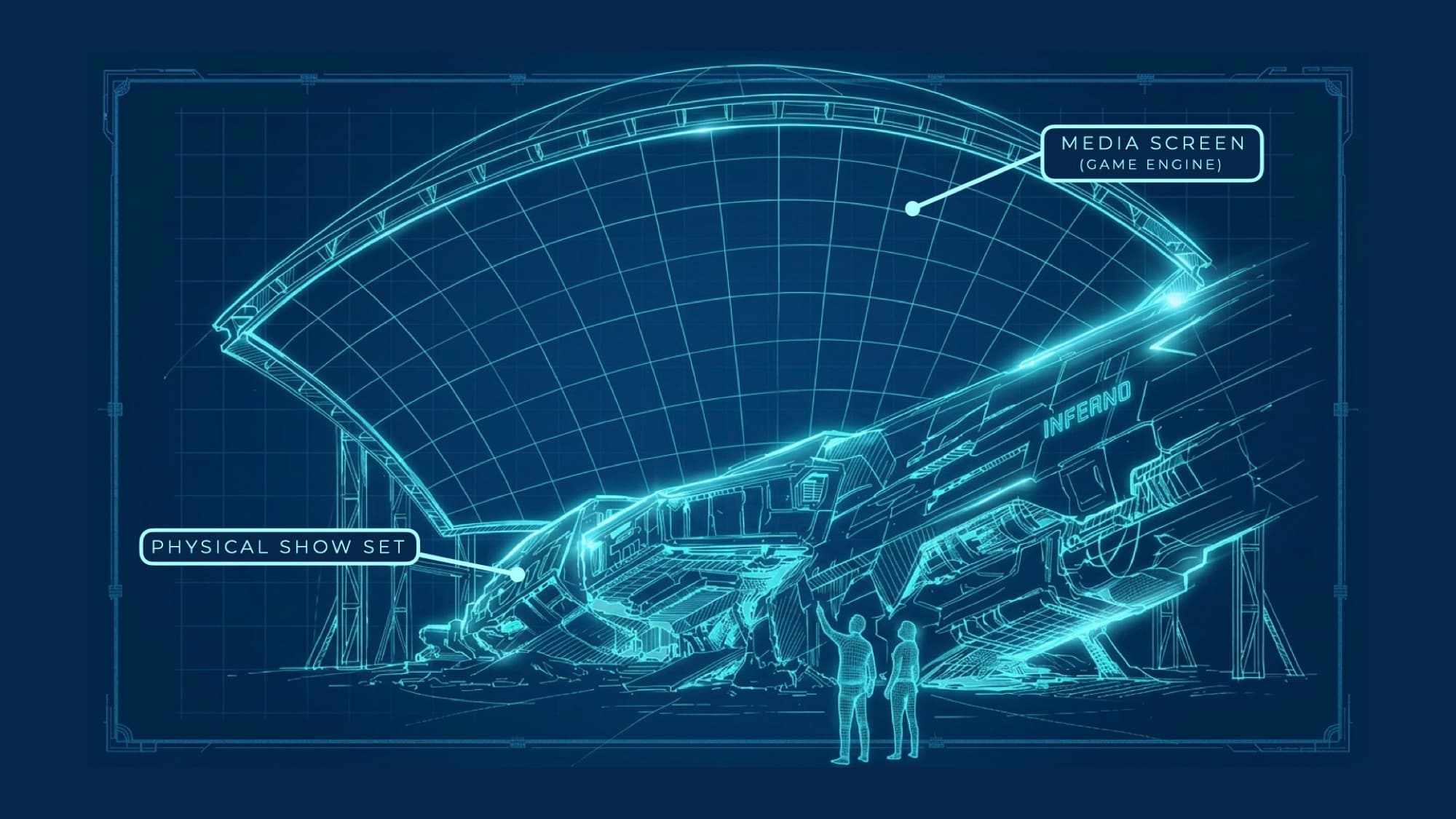
Annotated blueprint — Blueprint of the Hub: a huge domed media screen curves overhead above the Inferno ship staged on a physical show set, with two people for scale.
02Digital World
Living Virtual Environments
Layered on top of the physical environments is an entire digital universe with shifting natural events and live activity. What can be seen in the sky above or off into the distance isn’t pre-recorded, it’s a real-time view of other visitors exploring the virtual environment.
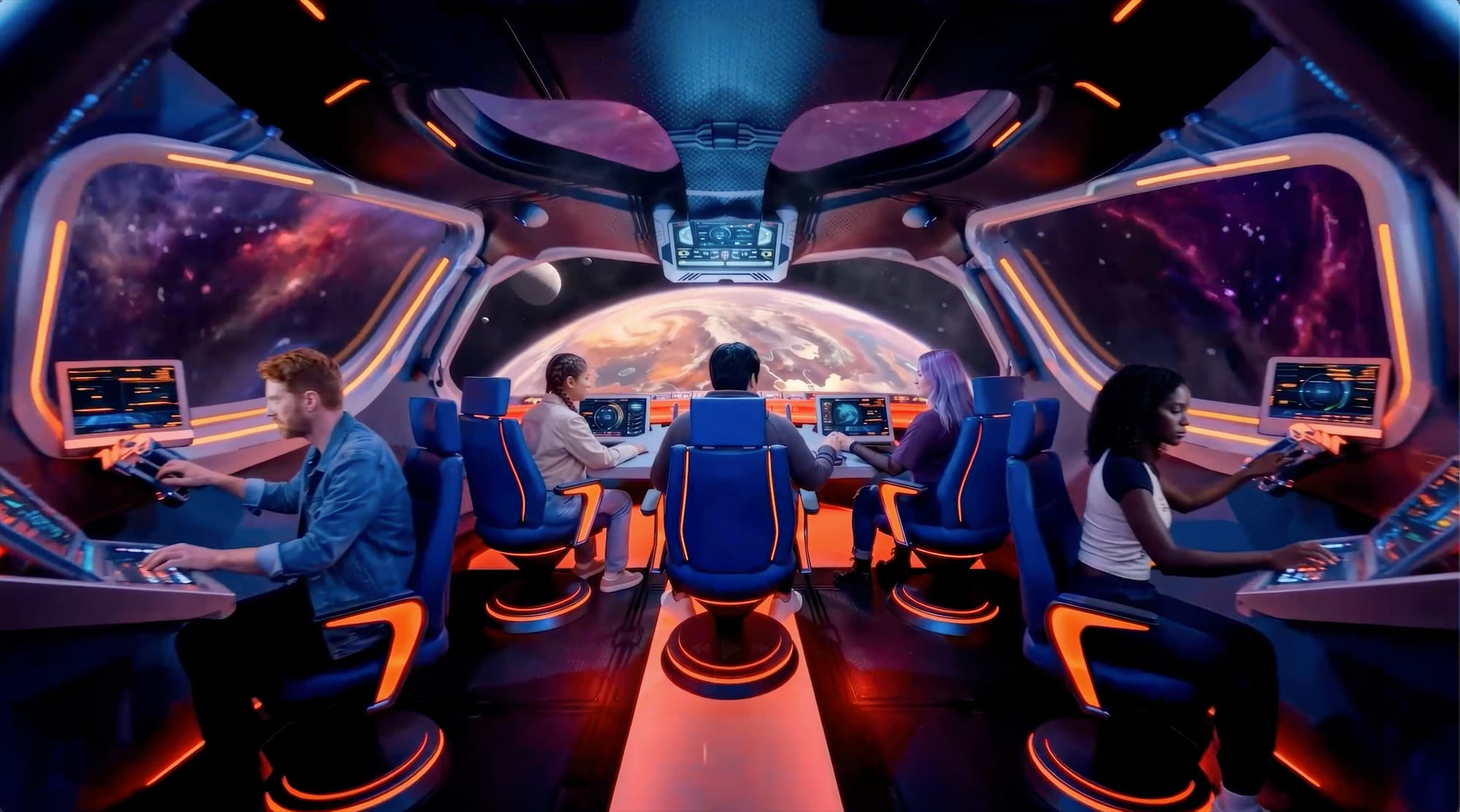
Concept render — Photoreal jump-ship cockpit: five people at control stations in blue seats with orange accent lighting, large windows onto a planet and nebula.
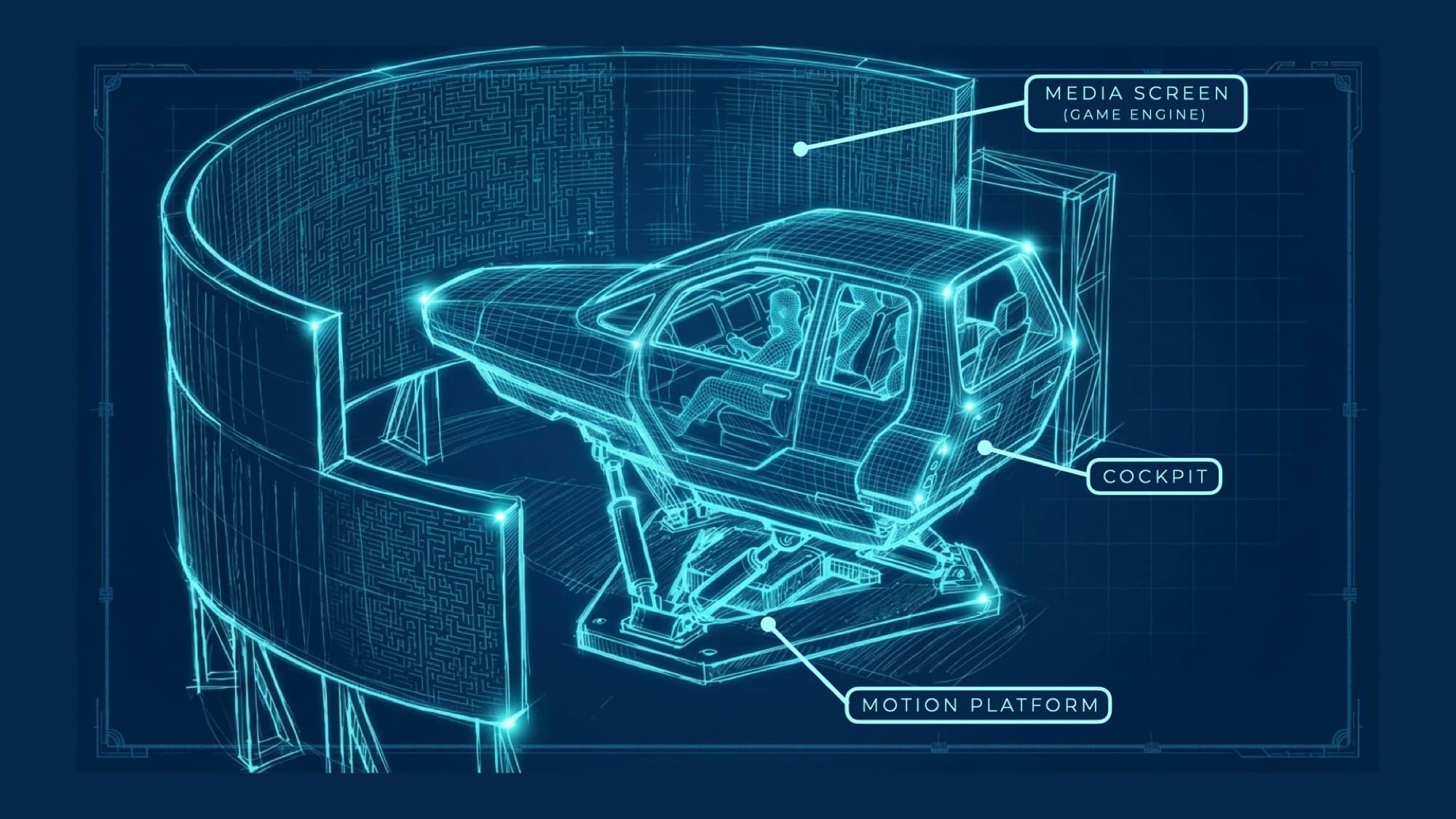
Annotated blueprint — Blueprint of the simulator ride: a cockpit pod on a hydraulic motion platform in front of a curved wraparound media screen, a figure seated inside.
03Open Exploration
Motion Sim Vehicles
Motion simulators bring it all together, making the virtual environments fully explorable and feel like a natural extension of the real world. More than just an attraction, sim vehicles provide full control and ability to travel from one physical location to another.
04Wearable Guide
Real Agency
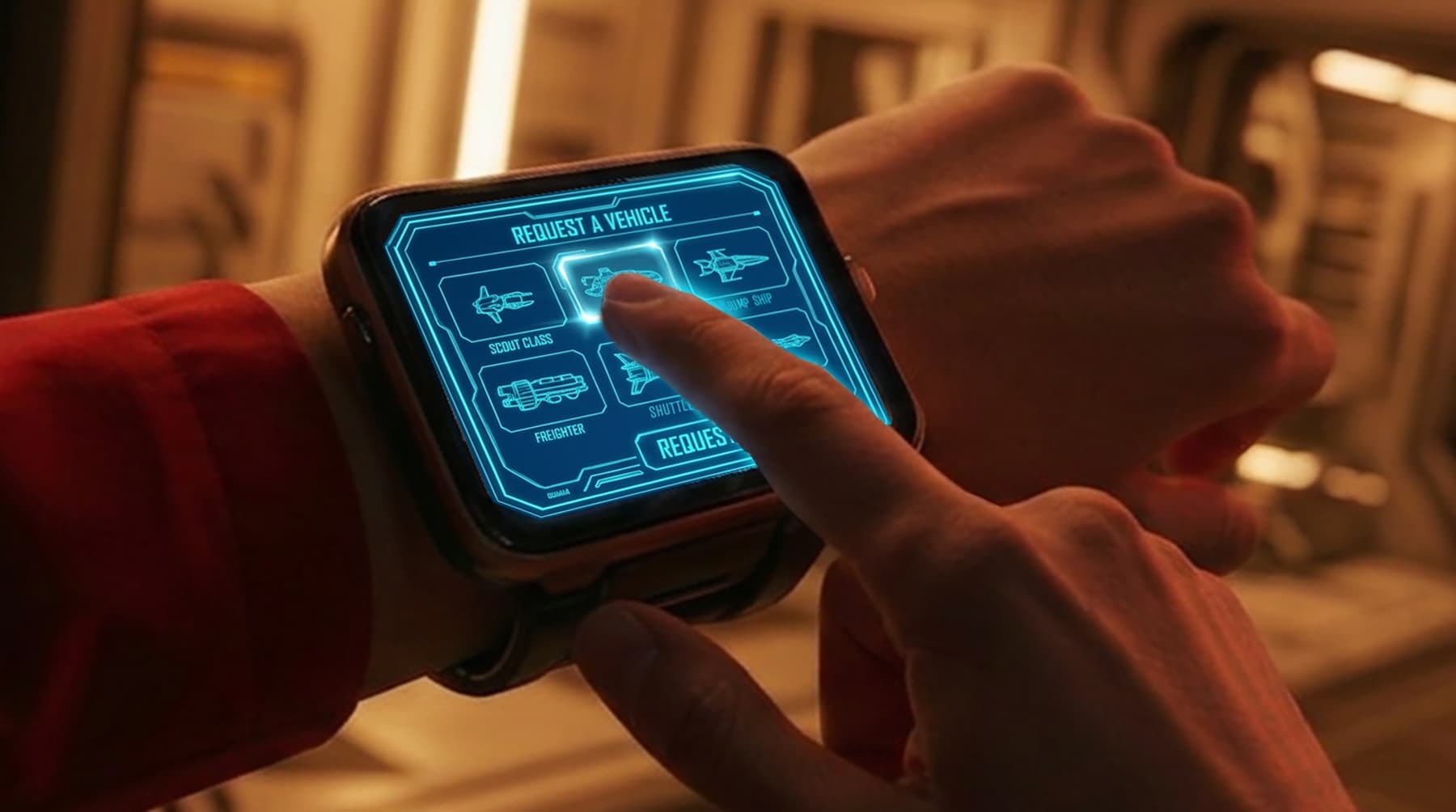
Wearable devices give you the power to customize your entire journey at the touch of a finger. Choose an experience, talk with friends or non-playable characters (NPCs), and interact with the physical environment.
Wearable devices also manage the experience so you never have to stop and wait in line, allowing you to continue your journey and arrive exactly where you want to be at exactly the right time.
No more feeling lost or forced into one experience. Wearable devices provide recommendations that are tailored to your preferences, whether that’s casual games, physical challenges, story-driven adventures, or open exploration.
The Wearable
The Wearable 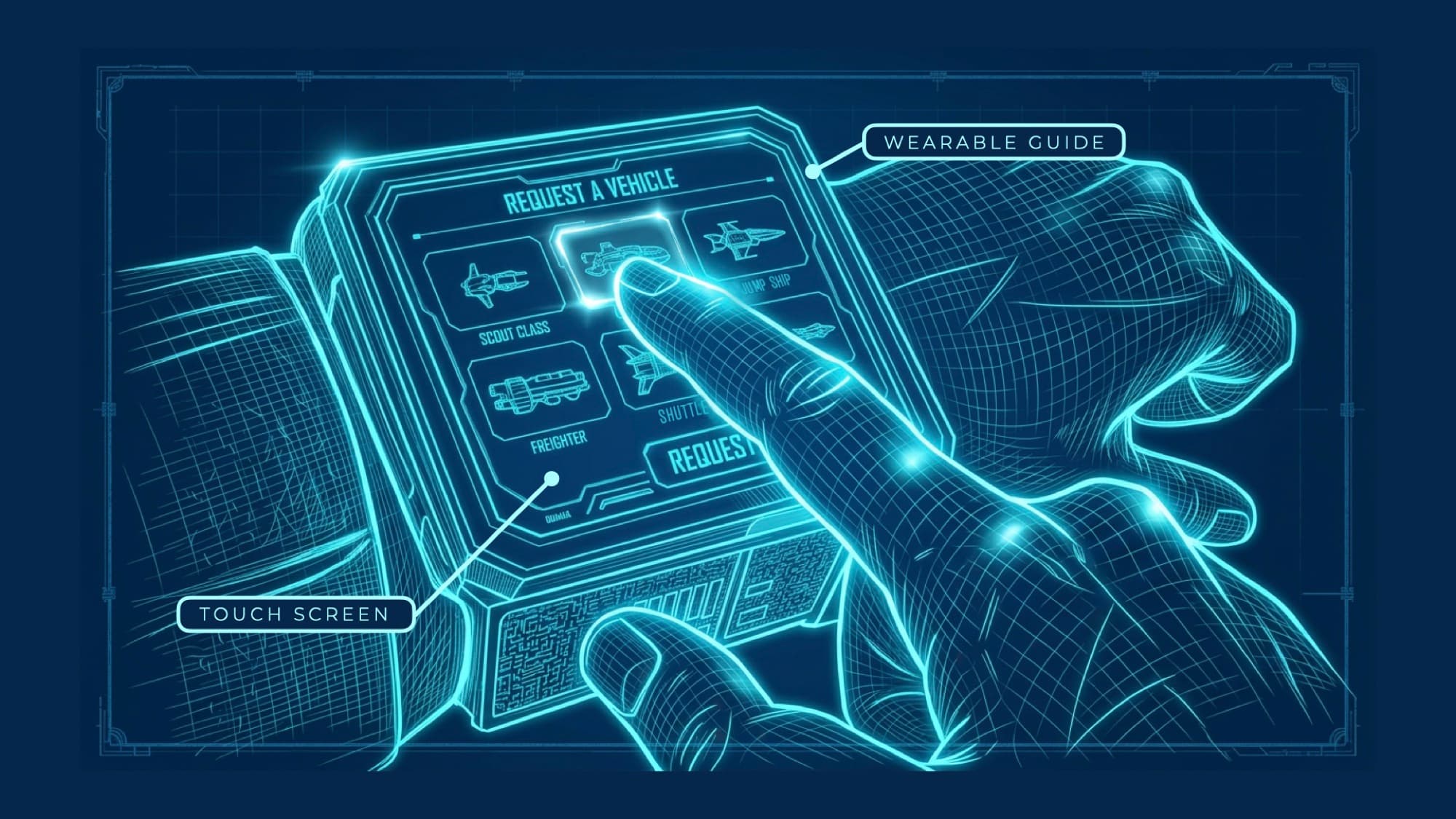
Request a VehicleWearable Guide · Touch ScreenRequest a Vehicle — Scout Class, Jump Ship, Freighter, Shuttle. 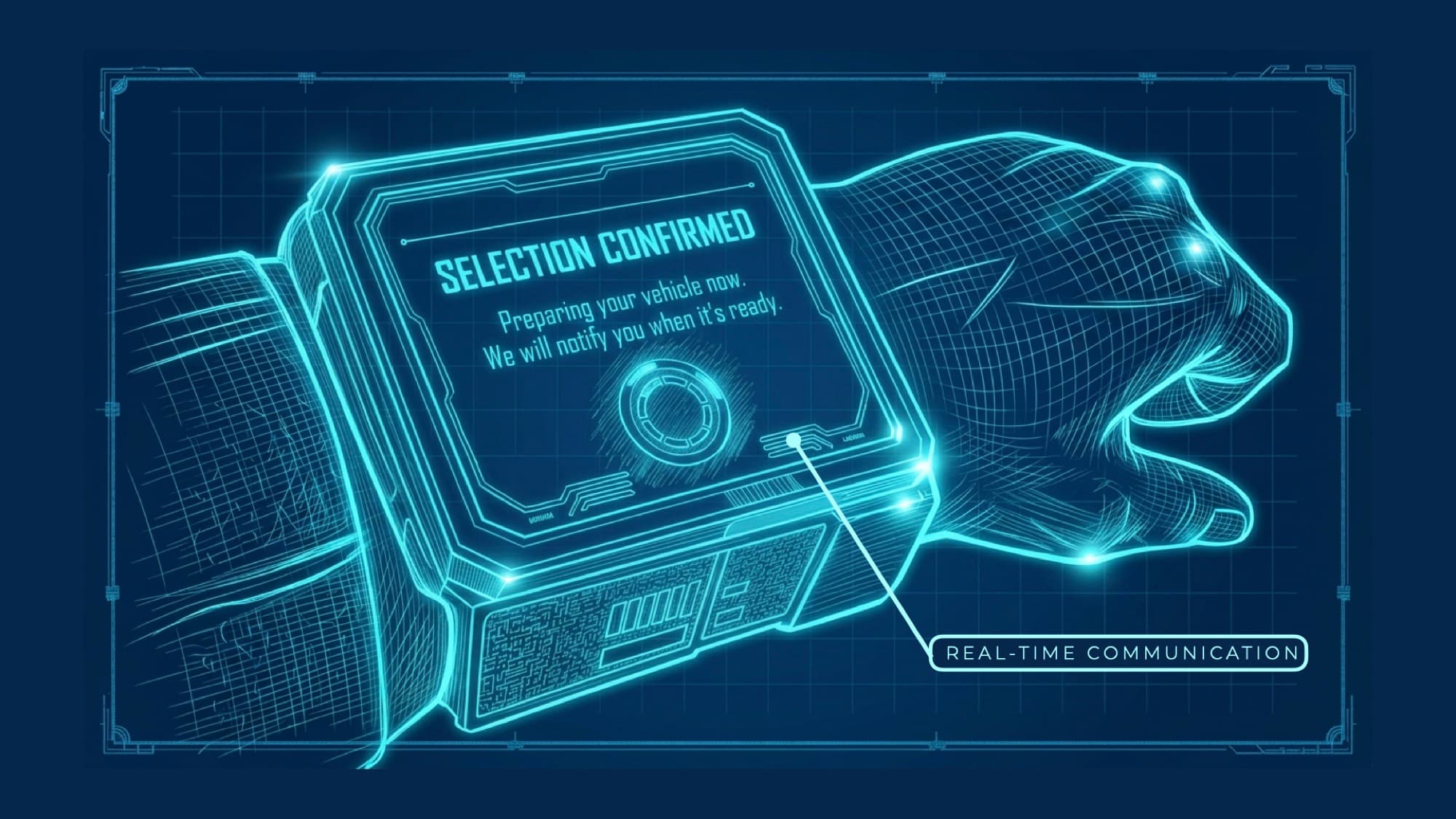
Selection ConfirmedReal-time CommunicationSelection Confirmed. Preparing your vehicle now. We will notify you when it’s ready. 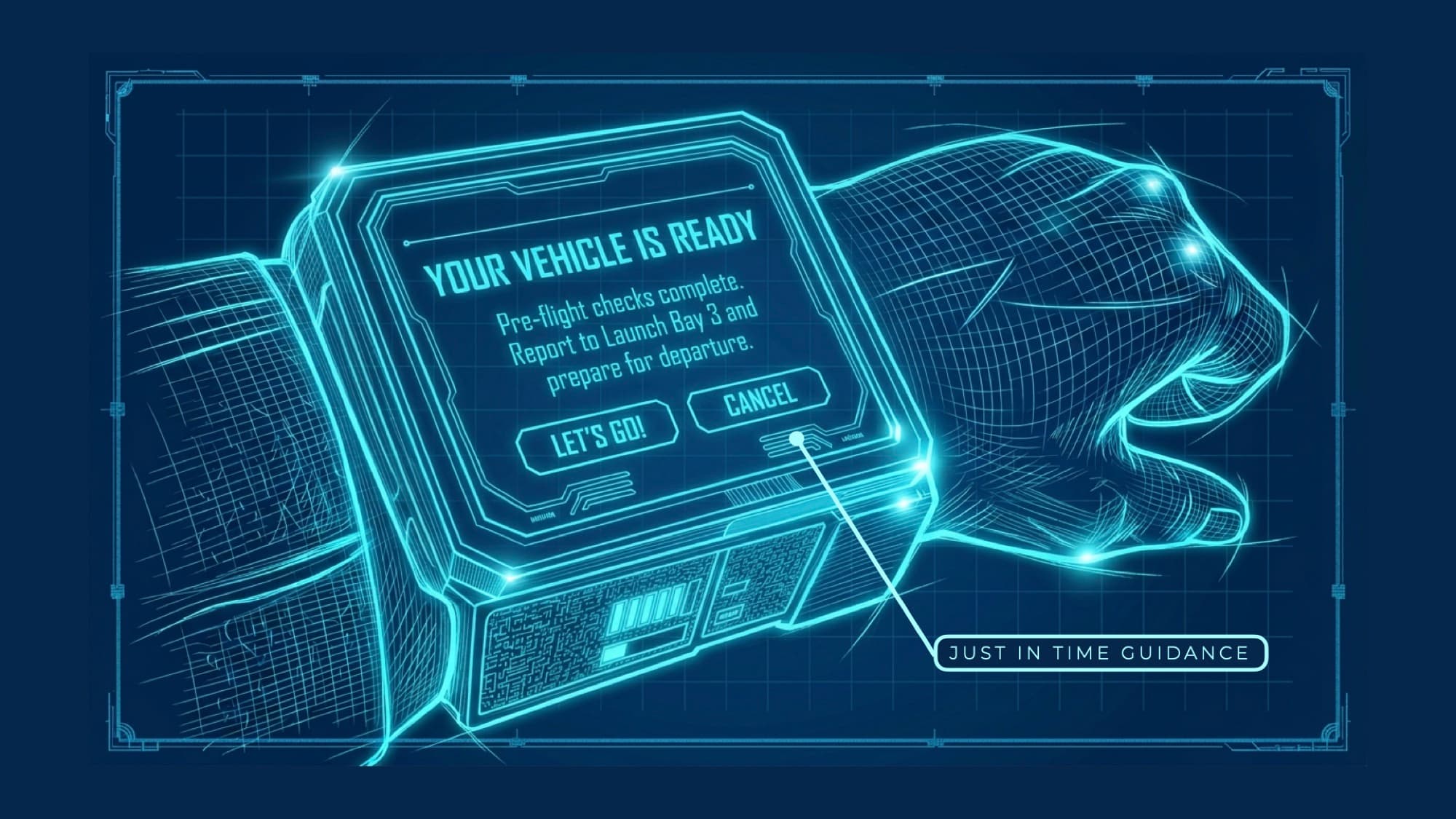
Your Vehicle Is ReadyJust-in-Time GuidanceYour Vehicle Is Ready. Pre-flight checks complete. Report to Launch Bay 3 and prepare for departure. 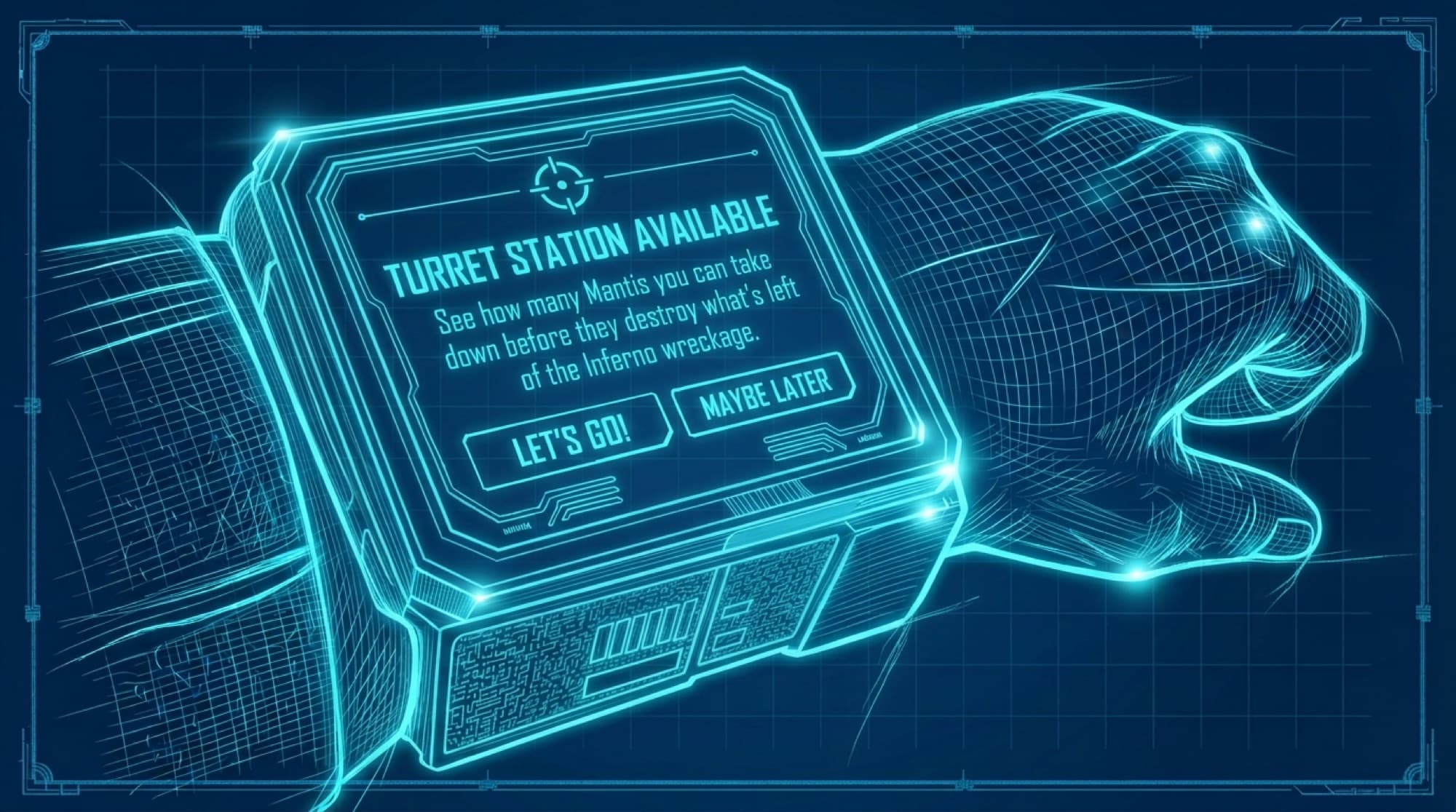
Turret Station AvailableJust-in-Time GuidanceTurret Station Available. See how many Mantis you can take down before they destroy what’s left of the Inferno wreckage. 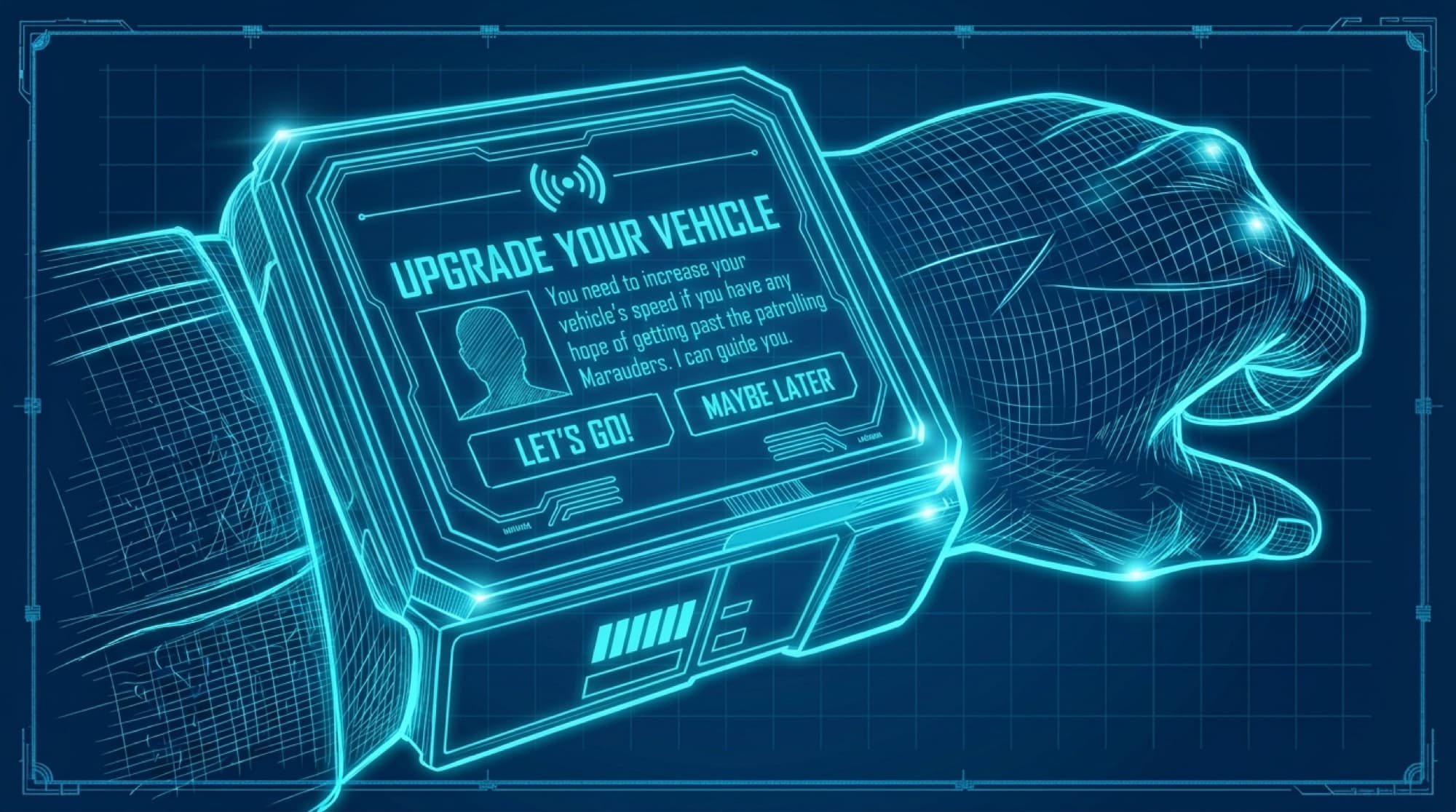
Upgrade Your VehicleJust-in-Time GuidanceUpgrade Your Vehicle. You need to increase your vehicle’s speed if you have any hope of getting past the patrolling Marauders. I can guide you. 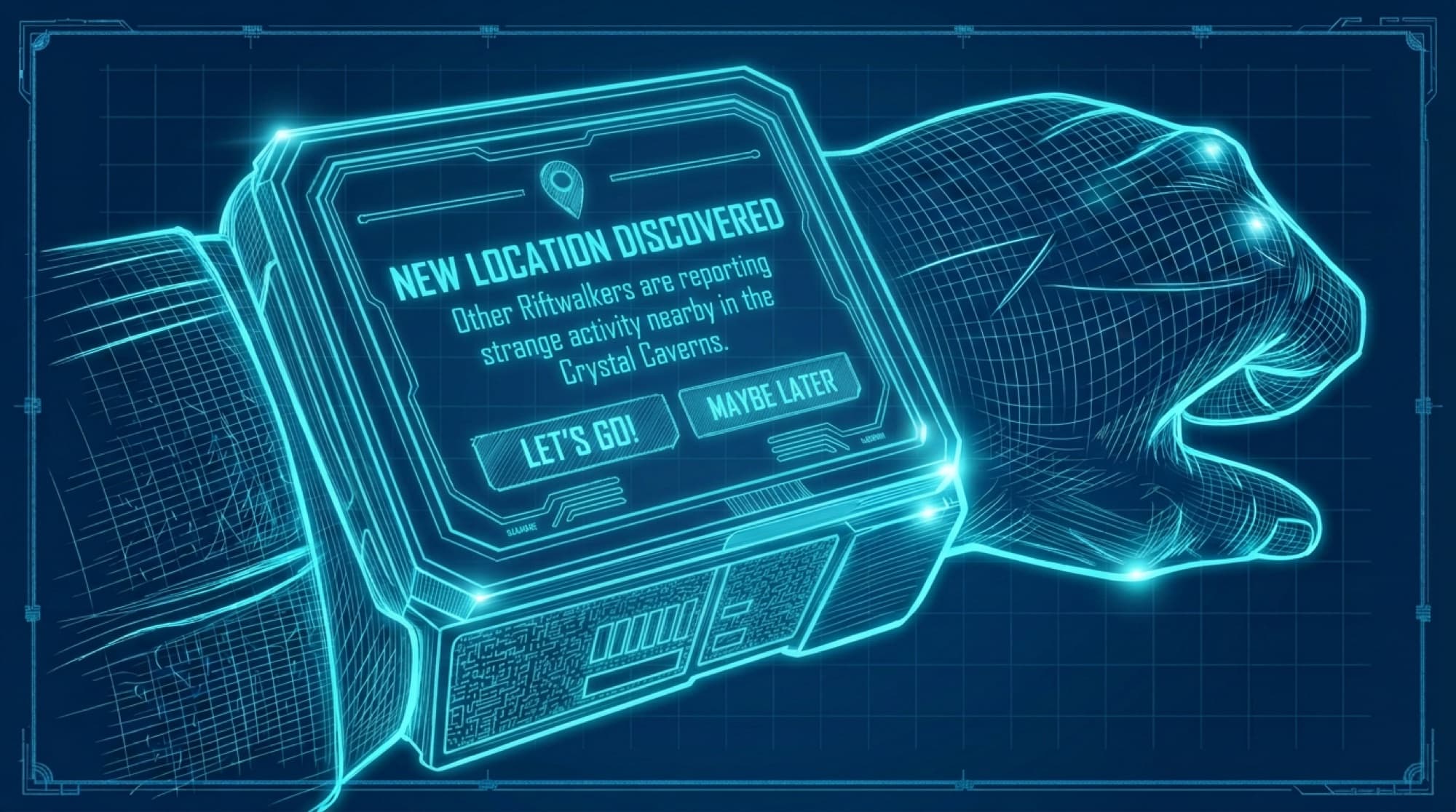
New Location DiscoveredJust-in-Time GuidanceNew Location Discovered. Other Riftwalkers are reporting strange activity nearby in the Crystal Caverns.
- The Wearable. Photoreal close-up of the wrist wearable: a finger taps a ship on the glowing blue Request a Vehicle screen, a warm-lit corridor behind.
- Request a Vehicle — Wearable Guide · Touch Screen. Blueprint of the wearable: a finger selects a ship on a Request a Vehicle screen (Scout Class, Jump Ship, Freighter, Shuttle).. Screen reads: Request a Vehicle — Scout Class, Jump Ship, Freighter, Shuttle.
- Selection Confirmed — Real-time Communication. Blueprint of the wearable showing a Selection Confirmed screen.. Screen reads: Selection Confirmed. Preparing your vehicle now. We will notify you when it’s ready.
- Your Vehicle Is Ready — Just-in-Time Guidance. Blueprint of the wearable showing a Your Vehicle Is Ready screen with Let’s Go and Cancel.. Screen reads: Your Vehicle Is Ready. Pre-flight checks complete. Report to Launch Bay 3 and prepare for departure.
- Turret Station Available — Just-in-Time Guidance. Blueprint of the wearable showing a Turret Station Available prompt with Let’s Go and Maybe Later.. Screen reads: Turret Station Available. See how many Mantis you can take down before they destroy what’s left of the Inferno wreckage.
- Upgrade Your Vehicle — Just-in-Time Guidance. Blueprint of the wearable showing an Upgrade Your Vehicle prompt with Let’s Go and Maybe Later.. Screen reads: Upgrade Your Vehicle. You need to increase your vehicle’s speed if you have any hope of getting past the patrolling Marauders. I can guide you.
- New Location Discovered — Just-in-Time Guidance. Blueprint of the wearable showing a New Location Discovered prompt with Let’s Go and Maybe Later.. Screen reads: New Location Discovered. Other Riftwalkers are reporting strange activity nearby in the Crystal Caverns.
Zero Wait. Endless Open World. Infinite Paths.
Powered by intelligent technology, The Beyondarium delivers a continuous and organic experience that adapts to you and is always evolving.
The journey is just beginning